


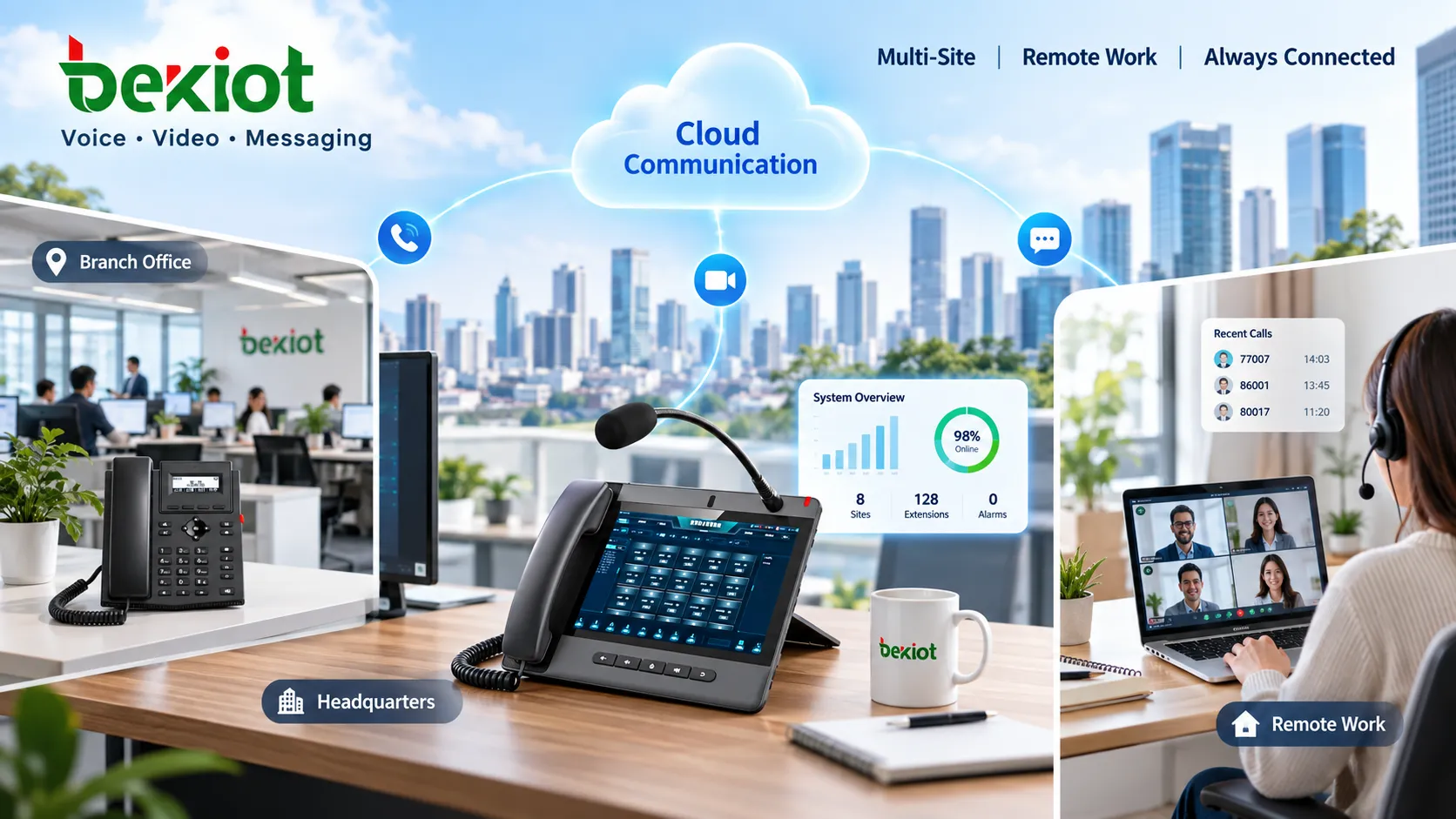
A business number can reach a desk phone, a computer or a mobile client without customers learning a different number for every location. VoIP makes this possible by carrying voice over IP networks; a communications platform manages users, endpoints and call routing. Unified communications adds coordinated access to channels such as voice, video, messaging and voicemail.
This is an architectural change rather than a guarantee that every service includes every feature. An on-premises IP PBX can provide VoIP without offering a complete collaboration workspace. A hosted unified communications service may combine several channels, but device access, messaging coverage and integrations still depend on its implementation and subscription.
From fixed extensions to portable business identities
Traditional business telephony often associates carrier lines, PBX ports and desk extensions with a particular office. Such systems can also support forwarding and mobility, so portability is not exclusive to newer platforms. VoIP makes it practical to manage an employee's calling identity separately from one copper line or one physical desk.
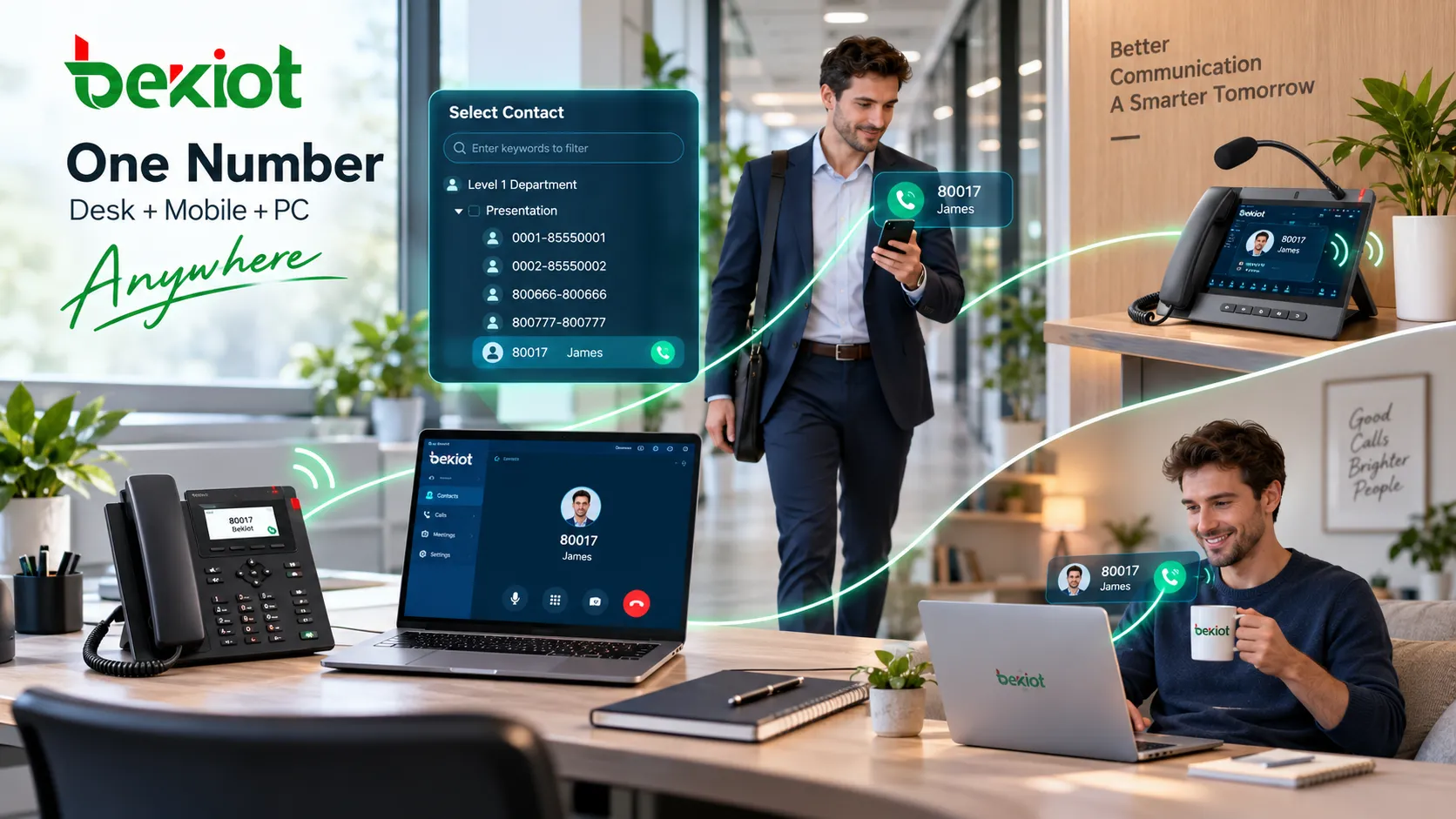
The business VoIP system architecture connects authorized endpoints to a call-control platform. A salesperson might use a SIP phone in the office and a mobile client while traveling. A support queue can serve agents in several cities. These are platform routing arrangements; simultaneous ringing, shared-number access and device limits must be configured and verified.
Business numbers become routing policies
A telephone number remains a public contact address. Behind it, software can associate incoming calls with a user, department, queue, schedule or workflow. For example, a sales number can ring authorized devices during business hours and reach voicemail afterward; a service queue can select agents by availability, region or supported language.
The number and the user account are related but different. A number does not by itself authenticate an employee, and a displayed caller ID does not prove who is calling. The platform must control account access, number assignment, device registration, outgoing permissions and any recording policy. Moving desks need not change a customer's contact details, but moving countries can introduce numbering and regulatory constraints.
SIP provides one standardized building block. RFC 3261, published in June 2002, defines session signaling and registration: a registrar can maintain bindings between a SIP address-of-record and contact addresses. That mechanism helps locate a user; it does not, by itself, create business queues, synchronize message history or grant the right to use a telephone number.
Why combine voice, video and messaging?
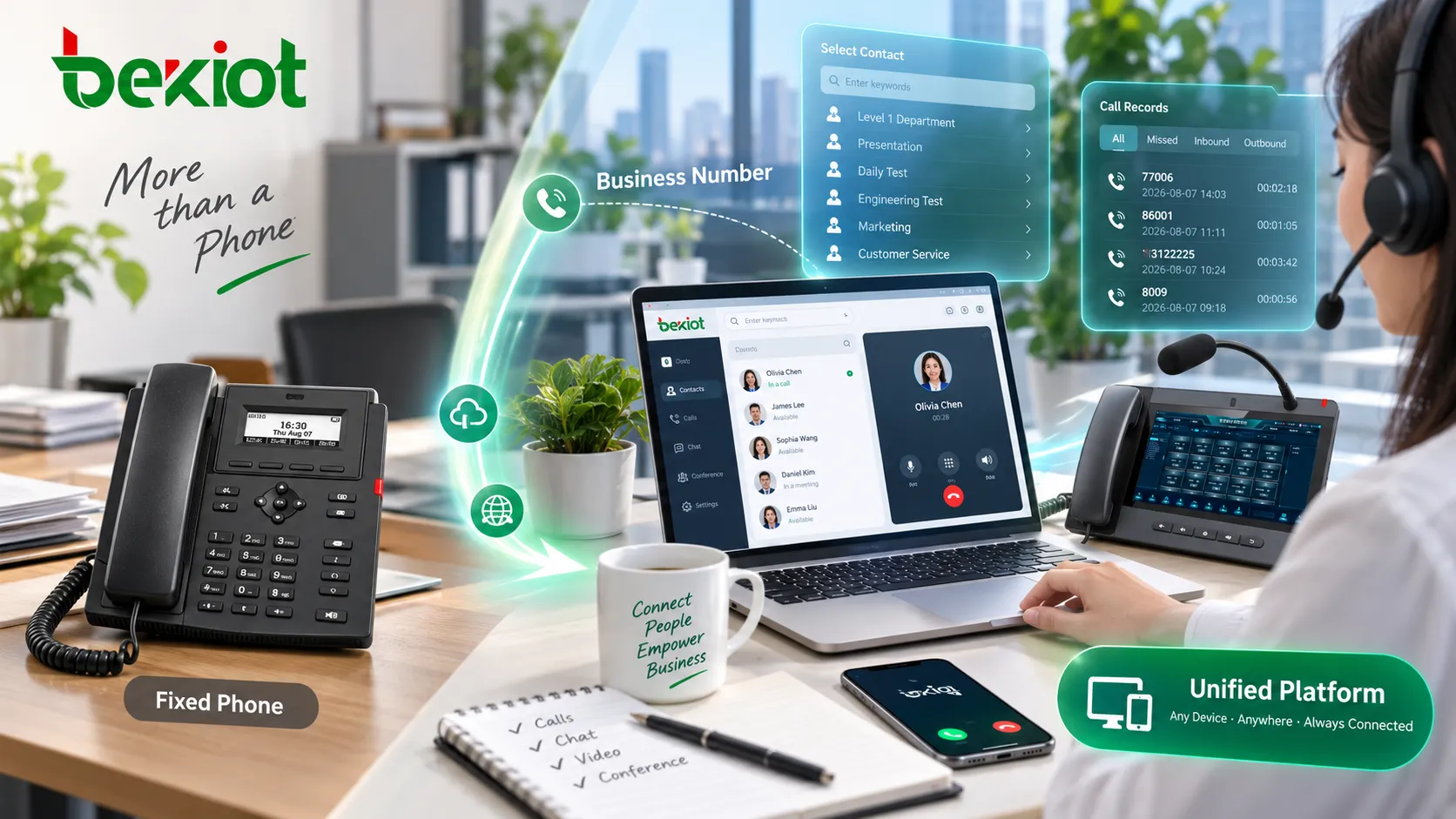
A customer discussion may begin with a message, move to a phone call and then require a video meeting. Bringing supported channels into one account and contact workspace can reduce application switching and make missed calls, voicemail and conversations easier to follow across devices.
Continuity depends on actual integration. SMS, internal team messages, video meetings and telephone calls use different services and policies. A SIP desk phone may support calling without showing the platform's chat history or video workspace. Browser access may use WebRTC and a platform-specific signaling interface rather than exposing SIP directly to the browser. Confirm the supported clients and each channel's behavior.
How calls reach local and international numbers
An endpoint reaches its platform over an authorized LAN, WAN, Internet connection or VPN. Call control establishes the session, while the dial plan decides whether the destination is an internal user, another site or an external network. The media path can differ from the signaling path and must also pass the necessary network and security controls.
External calls still need a carrier or another authorized interconnection service to reach public fixed and mobile networks. A SIP trunk or hosted carrier connection provides that boundary; an application login alone does not supply global telephone access. Local, international and toll-free number availability depends on the service and jurisdiction.
Subscription plans can include selected destinations or allowances, but VoIP does not make all international calls free. Check destination rates, number rental, toll-free charges, porting eligibility and restrictions before migration. A number's portability between devices within one platform is also different from transferring that number between providers.
Single-site, multi-site and remote operations
One office may benefit from simpler extension administration. Several branches may benefit from common numbering, shared queues and centralized permissions. Remote teams can use supported desktop, browser or mobile clients while presenting an approved business identity. These options are deployment choices, not capabilities present in every endpoint.
Cloud hosting is not essential to VoIP. On-premises, hosted and hybrid systems place call control and operational responsibility in different locations. A locally hosted PBX may retain internal calls during an Internet outage if local power and networking remain available; external trunks, remote clients and cloud functions can still be unavailable.
The administrator's work shifts toward account lifecycle, number policies, endpoint provisioning, network quality, software updates, SIP security and service monitoring. Windows, macOS, iOS and Android access should be checked against the supported client versions, licensing and mobile operating-system restrictions rather than assumed from the VoIP label.
Infrastructure dependencies still determine reliability
Business calling depends on the components in its actual path: endpoints, PoE switches, routers, access circuits, DNS, identity services, platforms and carrier interconnection. A shared network or authentication fault can affect many users together. Map these dependencies before choosing backup arrangements.
Voice quality depends on usable bandwidth, delay, jitter, packet loss, codecs and endpoint performance. QoS can prioritize traffic on networks under your control; it does not guarantee treatment across the public Internet. RFC 3550, published in July 2003, defines RTP for real-time media transport and explicitly does not guarantee quality of service or reserve network resources.
Power planning must cover more than the phone. Include switches, routers, optical network equipment, local servers and backup connectivity. Test the expected behavior when mains power, the primary WAN, the platform or the identity service fails. A mobile fallback helps only where coverage, power and the intended calling service remain available.
Security and emergency calling need explicit configuration
Use supported authentication controls, restrict administrative and outgoing-call privileges, maintain endpoint software and monitor suspicious registrations and calling patterns. Signaling protection and media encryption are separate considerations; verify which links are protected and how carrier or gateway boundaries are handled. Do not assume that an IP call is encrypted by default.
Emergency calling requires special attention when users move between buildings, work from home or travel. Confirm the applicable local rules, supported emergency destinations, location information and callback behavior with the service provider. Test through an approved procedure: a successful ordinary call does not establish that emergency routing and location are correct.
Evaluate the communication workflow as well as the subscription
The useful comparison is how a service handles real work: a mobile employee answering a customer, a shared queue across branches, a missed call followed by a message, and recovery after a network failure. Check integration, licensing and deployment costs alongside advertised calling allowances. A low line price cannot compensate for missing client support or an untested dependency.
The practical value of unified communications is a consistent, authorized business identity across supported devices and channels. That value comes from the combination of endpoints, routing, collaboration software, interconnection and operational controls. A feature demonstration should show which part supplies each function and what happens when that part is unavailable.
FAQs
Can one business number ring several devices?
It can when the platform and service permit it. Verify simultaneous registration, ringing order, active-call limits and the behavior of shared numbers. A number associated with several clients does not necessarily allow unlimited concurrent calls.
Does moving to VoIP remove the need for a carrier?
No. Internal calls may stay within a private IP system, but calls to public telephone numbers still require suitable carrier interconnection. Cloud hosting and external telephone access are separate service functions, even when sold together.
Are international calls always included?
No. Included destinations, allowances, number types and charges vary. Check the actual tariff and regulatory restrictions; neither SIP support nor a mobile application makes worldwide calling free.
Does every SIP phone provide the full unified workspace?
No. A phone can support SIP voice while video, messaging, contact synchronization or recording remain platform functions requiring supported clients, licenses or integration. Test the exact endpoint and platform combination.
References
IETF RFC 3261: SIP, June 2002 — session control and registration, especially Sections 4 and 10.