

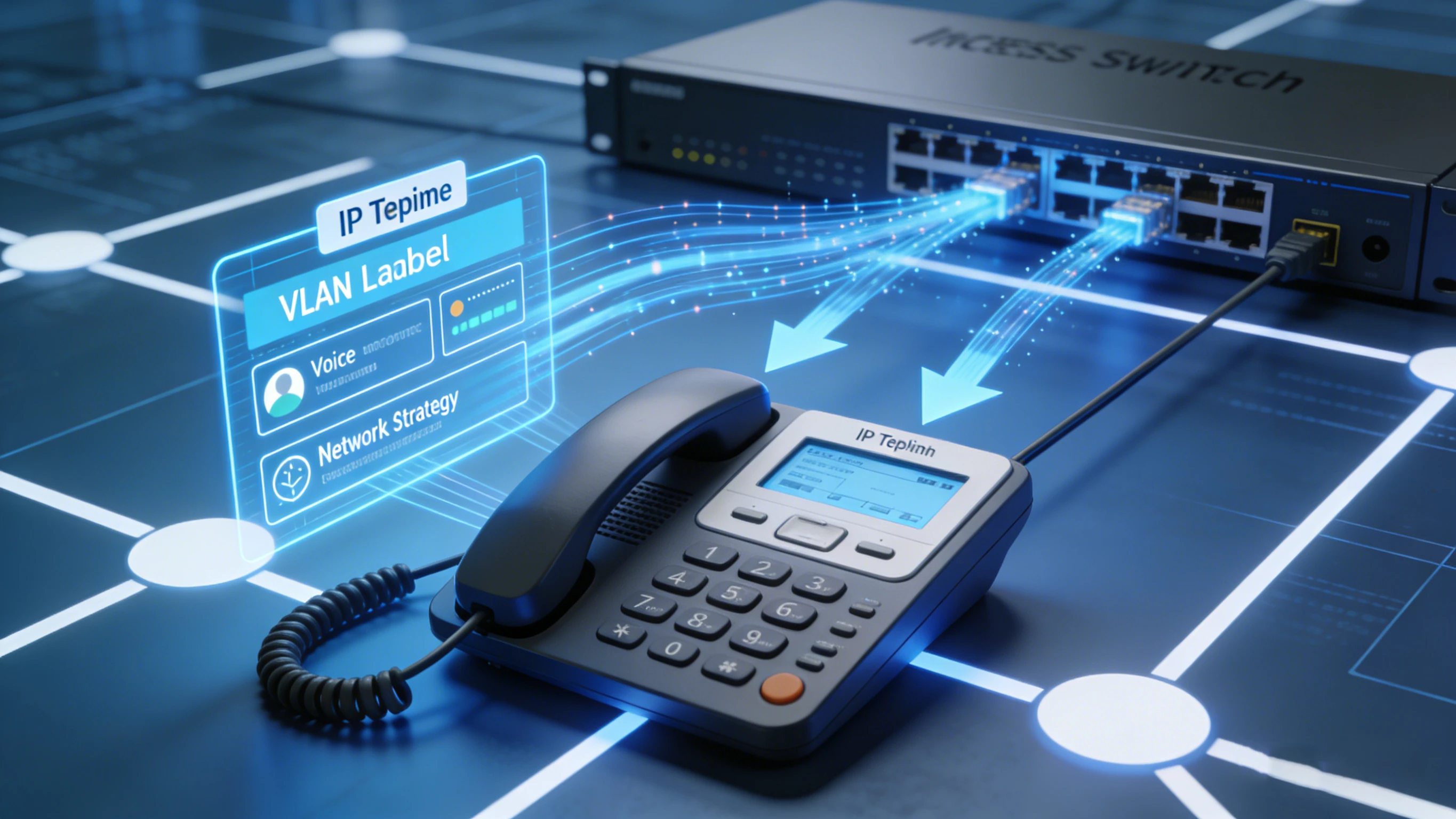
When an IP phone is connected to the network, the first few seconds often determine whether it will come online smoothly or quickly turn into an operations ticket. The phone needs power, a voice VLAN, appropriate traffic prioritization, an IP address, a path to the configuration server, and finally a successful registration with an IP PBX or cloud voice platform. LLDP-MED handles the earliest and often overlooked part of this process: allowing the media endpoint to obtain access-layer information directly from the managed switch it is connected to. This can include voice VLAN policy, Layer 2 and Layer 3 QoS settings, power negotiation hints, asset information, and sometimes location information.
The boundary of its role needs to be clear. LLDP-MED is not a one-stop tool for distributing SIP accounts, firmware packages, PBX server lists, or all device parameters; it places the phone in the correct network environment so that DHCP, configuration download, and SIP registration can continue. LLDP-MED is a dedicated extension of standard LLDP. Plain LLDP is suitable for general topology identification; LLDP-MED adds the information media endpoints actually care about, so it is often used with managed PoE switches, voice VLANs, QoS policies, and enterprise IP telephony systems.
The First Step at the Access Layer
The typical boot sequence starts with power, usually PoE over the same Ethernet cable. When the link comes up, the phone and switch exchange LLDP frames. If both sides support LLDP-MED and the required TLVs are enabled, the switch advertises the voice-oriented network policy. The phone obtains the voice VLAN and QoS settings, enters the correct broadcast domain, and then requests IP configuration via DHCP. Once the network is connected, it discovers or accesses the configuration server, downloads configuration files as needed, checks firmware, and finally registers with the SIP server or call control platform.
This sequence shows that LLDP-MED is very helpful, but it is not complete on its own. It is only the early network discovery step; the subsequent DHCP, configuration download, firmware policy, security settings, and SIP registration must still work. The practical value lies in predictability: when a new phone is plugged into a switch port, the switch immediately advertises the correct voice network policy, and the phone marks the voice VLAN and priority accordingly, greatly reducing manual adjustment per phone. This is useful in offices, hospitals, campuses, hotels, warehouses, and locations where phones are frequently moved or replaced.
What It Can and Cannot Deliver
Voice Network Policy
The core element is the network policy TLV. Through it, the switch tells the phone which VLAN voice traffic should use and how packets should be marked. Voice quality depends on consistent treatment, not just bandwidth, but also low latency, jitter control, and reasonable queue scheduling. LLDP-MED cannot replace a complete QoS design, but it can align the phone and access switch at the network edge.
Power Negotiation
LLDP-MED also supports bidirectional power communication between the switch and the endpoint. Basic desktop phones, high-end color-screen phones, video devices, and phones with expansion keypads have different PoE budgets. In large-scale deployments, power visibility helps plan switch capacity and understand the real state of each port.
Device Assets and Visibility
Asset information is valuable to support teams. LLDP-MED can display device type, model, vendor, firmware version, or serial number, depending on endpoint capabilities. When a user reports a fault, the help desk can quickly identify which switch port is connected to which device, what model it is, and whether firmware or configuration needs to be checked, improving troubleshooting and lifecycle management efficiency.
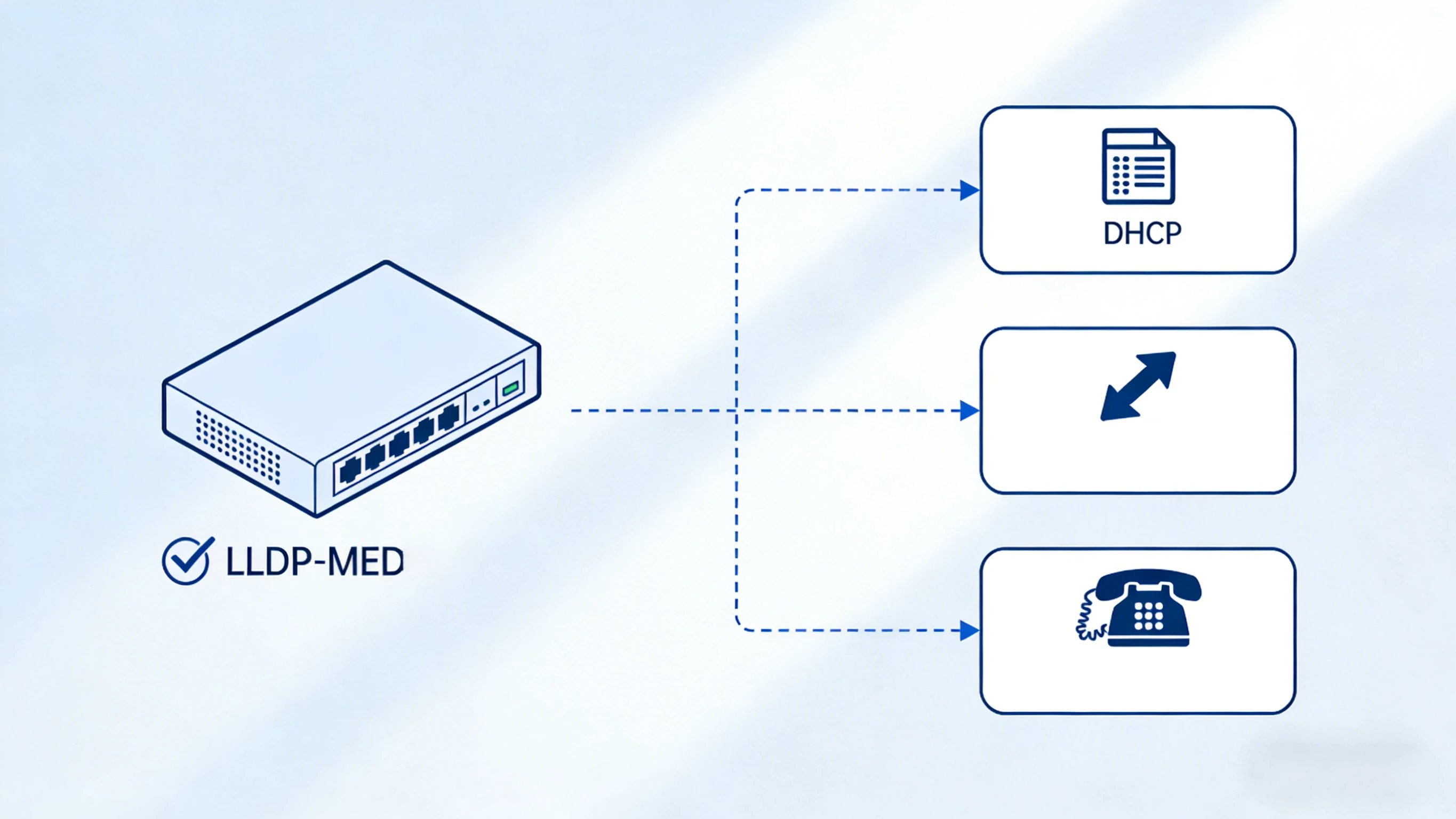
What is easy to overestimate are its limits. LLDP-MED does not assign SIP accounts, does not point to a firmware server, and does not fill in every device setting. The phone still needs an IP address, DNS, default gateway, time synchronization, configuration server reachability, necessary certificates, configuration files, and finally valid SIP registration information. These tasks are usually performed by DHCP (often with vendor-specific options), HTTP/HTTPS or TFTP download, TR-069 in some environments, and the phone's own configuration logic. LLDP-MED simply puts the phone on the correct network track so that these subsequent steps can happen. When people casually say a phone can be “auto-configured,” more precisely, LLDP-MED automates the access-layer discovery phase, making zero-touch deployment smoother.
The Choice Versus CDP
In Cisco-dominated environments, you may encounter Cisco Discovery Protocol. It can also do similar things, such as advertising voice VLAN information. CDP works well within the same Cisco ecosystem, and many early VoIP deployments relied heavily on it.
LLDP-MED, by contrast, is a vendor-neutral choice. When the switch and phone come from different vendors, it is usually wiser. In mixed-brand networks, an open discovery mechanism reduces dependence on a single proprietary protocol and avoids the hassle of vendor lock-in.
Typical Scenarios
In corporate offices, LLDP-MED lets desk phones enter the correct voice VLAN without manually entering a VLAN ID. In hospitals and university campuses, it reduces repetitive configuration across hundreds of access switches and endpoint locations. Hotels, public service buildings, and retail chains also benefit from a consistent access policy regardless of phone model differences.
In warehouses, factories, transportation hubs, and industrial sites, it is equally useful because endpoints may be replaced quickly. If the switch port policy is already correct, replacing a phone usually requires only plugging it in to be directed to the correct network, with fewer manual steps and a lower probability of human error.
Deployment and Troubleshooting
Before relying on LLDP-MED, confirm that the switch and IP phone actually support it, then double-check that the required TLVs are enabled. In some environments, LLDP, LLDP-MED, and CDP may run at the same time, so it is necessary to understand which mechanism the phone prioritizes.
The access layer does not work in isolation. Even if the phone has perfectly learned the voice VLAN, it still needs an available DHCP service, an accessible configuration URL, correct NTP settings, firewall rules that allow the necessary traffic, valid certificates, and accurate SIP registration information. If any link in the chain fails, the phone cannot register, even if the LLDP-MED exchange itself is fine.
When a fault occurs, troubleshoot along the boot sequence. If the phone never enters the voice VLAN, check the LLDP-MED policy and TLV configuration first. If it is in the correct VLAN but has no IP address, the problem may be DHCP. If it obtains an IP but cannot download configuration, check configuration discovery or firewall rules. If configuration download works but registration fails, check SIP credentials, DNS, transport protocol, NAT, TLS, or PBX policies.
Advantages and Summary
Reduces most manual voice VLAN configuration on each phone.
Provides consistent settings on every access switch port.
Speeds up migration, addition, replacement, and site onboarding.
Helps align voice traffic priority at the network edge.
Gives support teams a clearer view of which device is connected where.
When implemented correctly, adapts better to mixed-brand VoIP networks.
LLDP-MED is one of the most practical access-layer tools in IP phone deployment. It lets the phone automatically learn the voice VLAN and network policies, reduces a layer of manual configuration, and makes multi-site VoIP network onboarding more consistent. Its real advantage appears when it is part of a complete configuration design: LLDP-MED prepares the correct network environment for the phone, while DHCP, the configuration server, firmware policy, security settings, and SIP registration complete the subsequent processes.
FAQ
Are LLDP-MED and LLDP the same?
No. LLDP is the basic Layer 2 discovery protocol. LLDP-MED is an extension built specifically for media endpoints such as IP phones, adding the TLV fields they need for correct configuration at the access layer.
Can LLDP-MED assign a voice VLAN?
Yes. A managed switch can advertise the voice VLAN policy via LLDP-MED, and the IP phone marks its own traffic accordingly without manual configuration on the phone.
Can LLDP-MED replace DHCP?
No. They work at different stages. LLDP-MED handles access-layer discovery and network policy, while DHCP is responsible for IP address assignment and can guide the phone to configuration resources.
Does LLDP-MED provide SIP account settings?
Usually not. SIP credentials, PBX server address, firmware policy, and device-specific configurations are typically distributed through a configuration platform, DHCP options, or configuration file download, not through LLDP-MED.
Is LLDP-MED useful in mixed-brand networks?
Yes, this is one of its biggest advantages. Because it is vendor-neutral, it can work between switches and IP phones from different vendors, so it is often the preferred choice when you do not want to be tied to a single vendor's discovery protocol.